






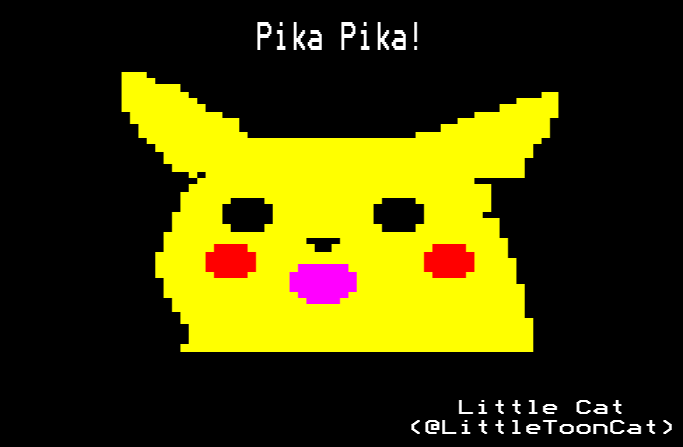
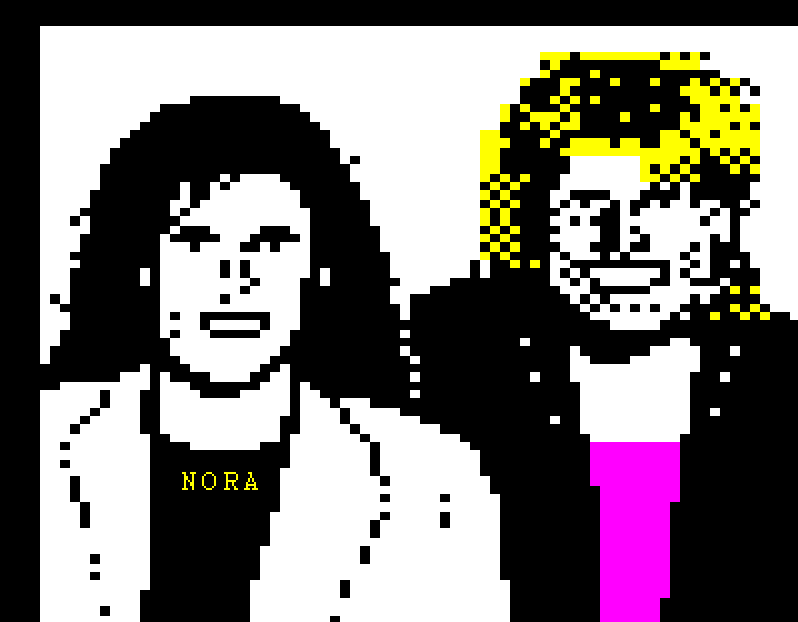
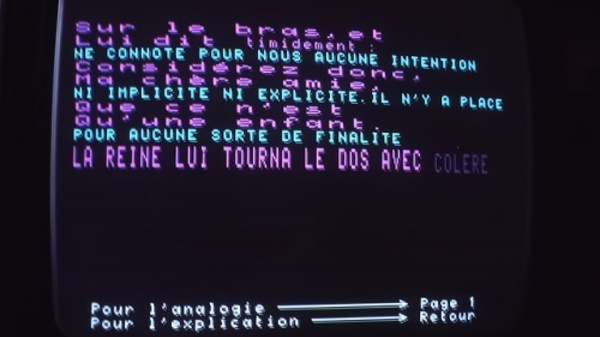
There was a time when teletext pages could only be created by a privileged few with access to specialist terminals that required rechargeable batteries and seven hamsters on wheels to function.
But modern compooters eradicate the need for such things, which is a good job because I don’t think I could afford the hamster food. Anyhow, peruse the following information and you can design your very own teletext pages. Who’d have thought it? Certainly not the hamsters.
One condition: you must send me your own designs! Well, that’s not imperative, but I’d love to post your content on this blog, or even exhibit it on a real public teletext service.
Key:
🌐 = Online editor
💾 = Downloadable software
🎨 = Image to teletext converter
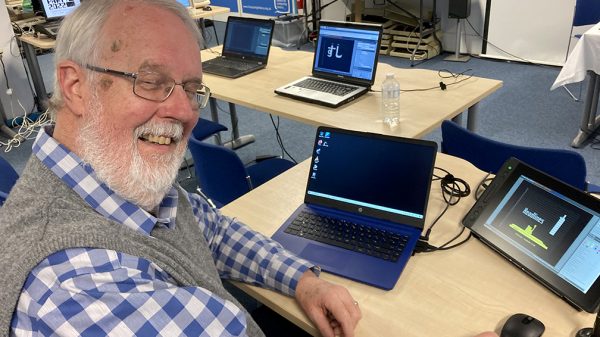
Carlos has made this tutorial video for you. It is presented in edit-tf, but is relevant to all editors.
🌐 edit.tf
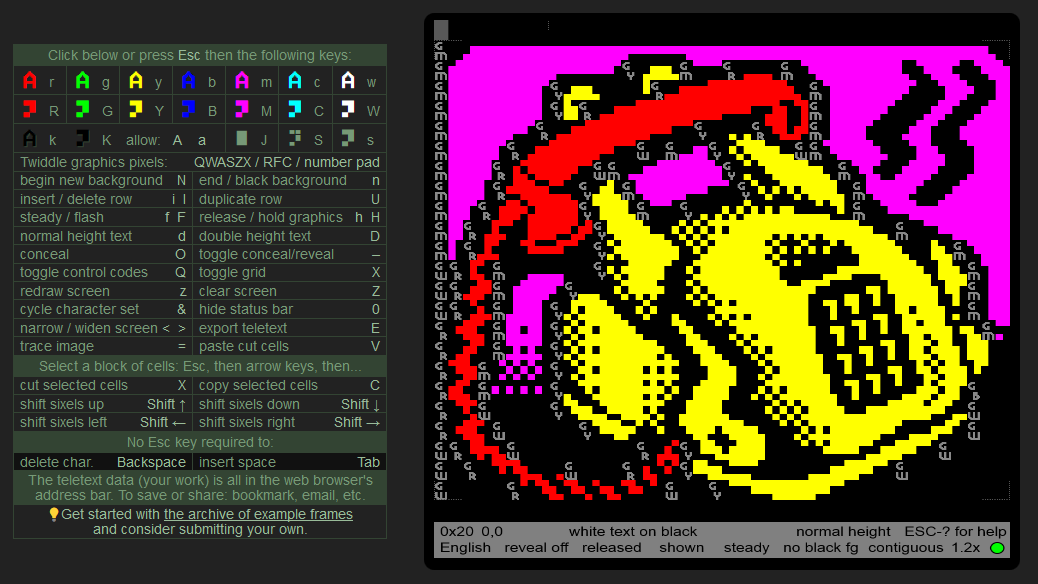
The edit.tf online editor (Edit Teletext Frames) was created by Simon Rawles in 2015 to accompany the Teletext40 40 Years of Teletext project. It will run in every browser… that we know of!
This page editor allows you to export in various teletext formats including EP1, TTI (as used by VBIT Pi) and TTX (used by Cebra) in addition to PNG. There is also an option to export to the ZXNet Editor.
Edit-tf also works offline. Visit this page, drop down on the green 'Code' button and download as zip. Extract to your hard drive and double click the index.html page to launch.
See more about this editor at the Teletext Wiki.
🌐 ZXNet Teletext Page Editor
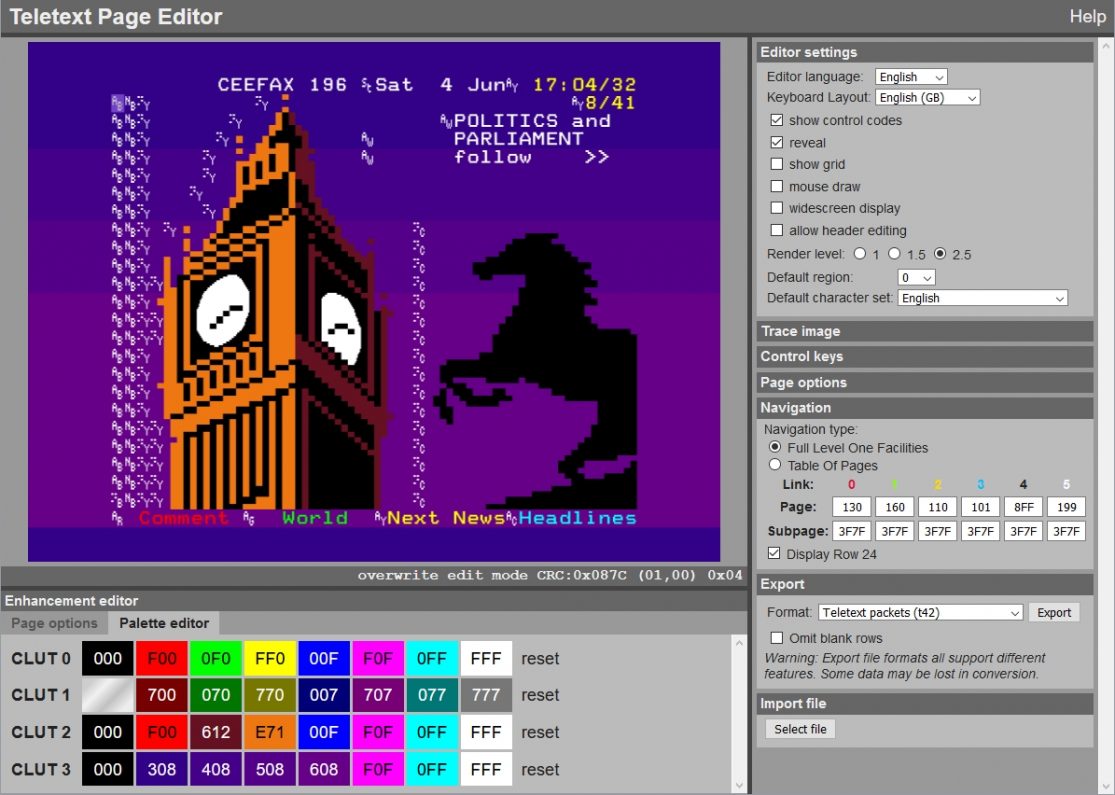
The ZXNet Teletext Page Editor is maintained by Alistair Cree and serves as a companion, not a competitor, to edit-tf. It includes some features for Level 2.0 page editing, which allows for use of extra colours including orange.
Like edit-tf, all page data is stored in the URL string, allowing your art to be shared easily without converting to a teletext data file. However, the program still has a full suite of export options including TTI and EP1.
See more about this editor at the Teletext Wiki.
💾 QTeletextMaker
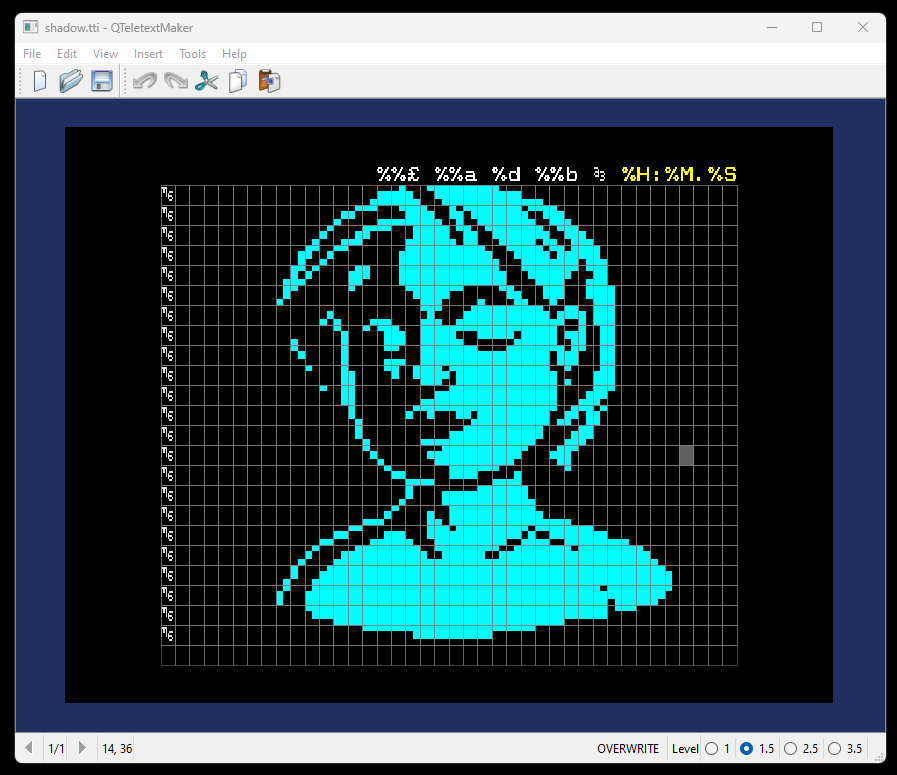
QTeletextMaker is a standalone teletext editor by gkthemac with an emphasis on Level 2.5 page editing. After a stint in the alpha stage, version 1.0 was released in October 2026.
Get a Windows download of this editor here. Drop down on the ‘Assets’ tab and look for a Windows executable file.
Supports subpages, but as of October 2026, control codes can be inserted by keyboard only.
See more about this editor at the Teletext Wiki.
🌐 MUTTLEE
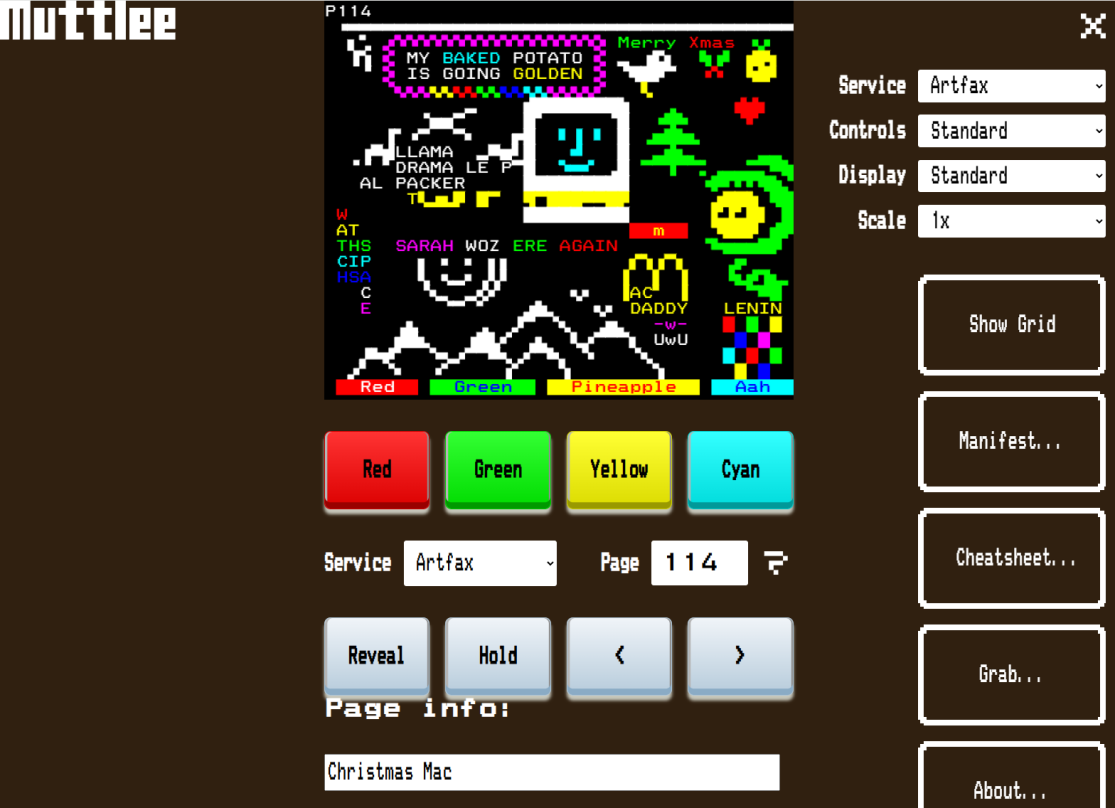
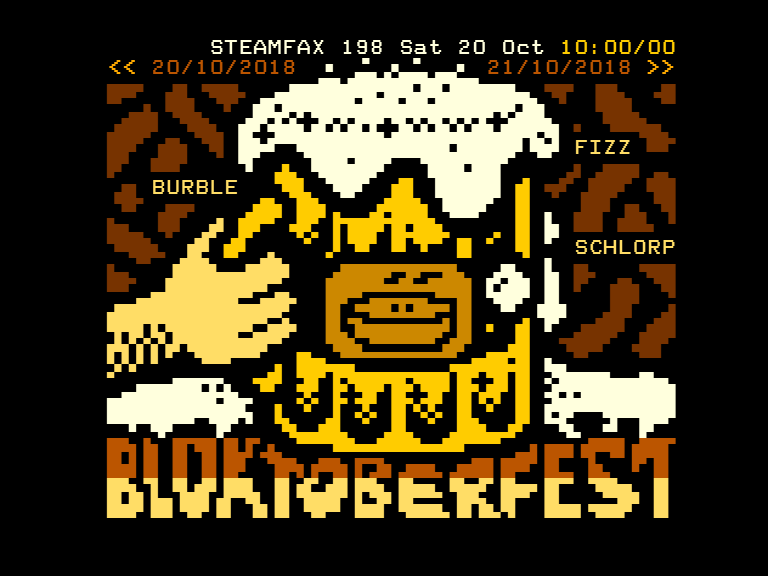
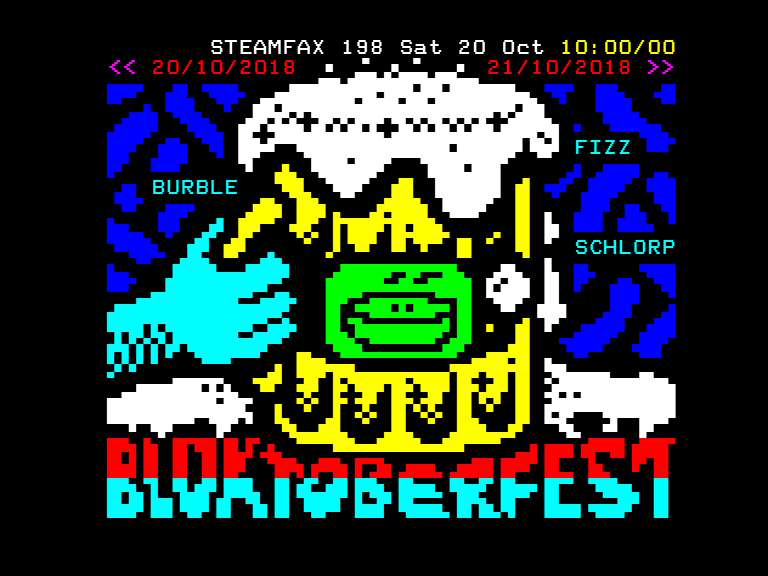
The world’s first collaborative teletext editing tool, MUTTLEE (Multi User TeleText Live Editing Environment) allows people from across the globe to edit a teletext page simultaneously. Developed by wxTED and Teefax engineer Peter Kwan, it debuted at Wigan Blocktoberfest in October 2018.
MUTTLEE is completely keyboard-controlled. Press Escape to bring up the orange cursor and try twiddling pixels with Q, W, A, S, Z and X.
💾 CebraText
CebraText was originally created for the Cebra teletext inserter, but you don’t need an inserter to use it. The program is free, after all!
- See here for a basic tutorial, or here for how to import bitmaps.
- And here‘s yet more information on making pages.
See more about this editor at the Teletext Wiki.
Note: CebraText will not install on 64bit operating systems such as Windows 8 and newer. The red cat told me so.
💾 Telepaint
Telepaint is a teletext editor written with BBC Basic SDL by MarsFS and Pixelblip. Unlike the other editors on this list, it has the capability to create animation frames.
To run, open the TELEPAINT_BBCSDL.zip from https://github.com/marsFS/ART-4-Windows and run TELEPAINT_BBCSDL.exe.
For more information, see the above video by Pixelblip.
💾 wxTED Teletext Editor
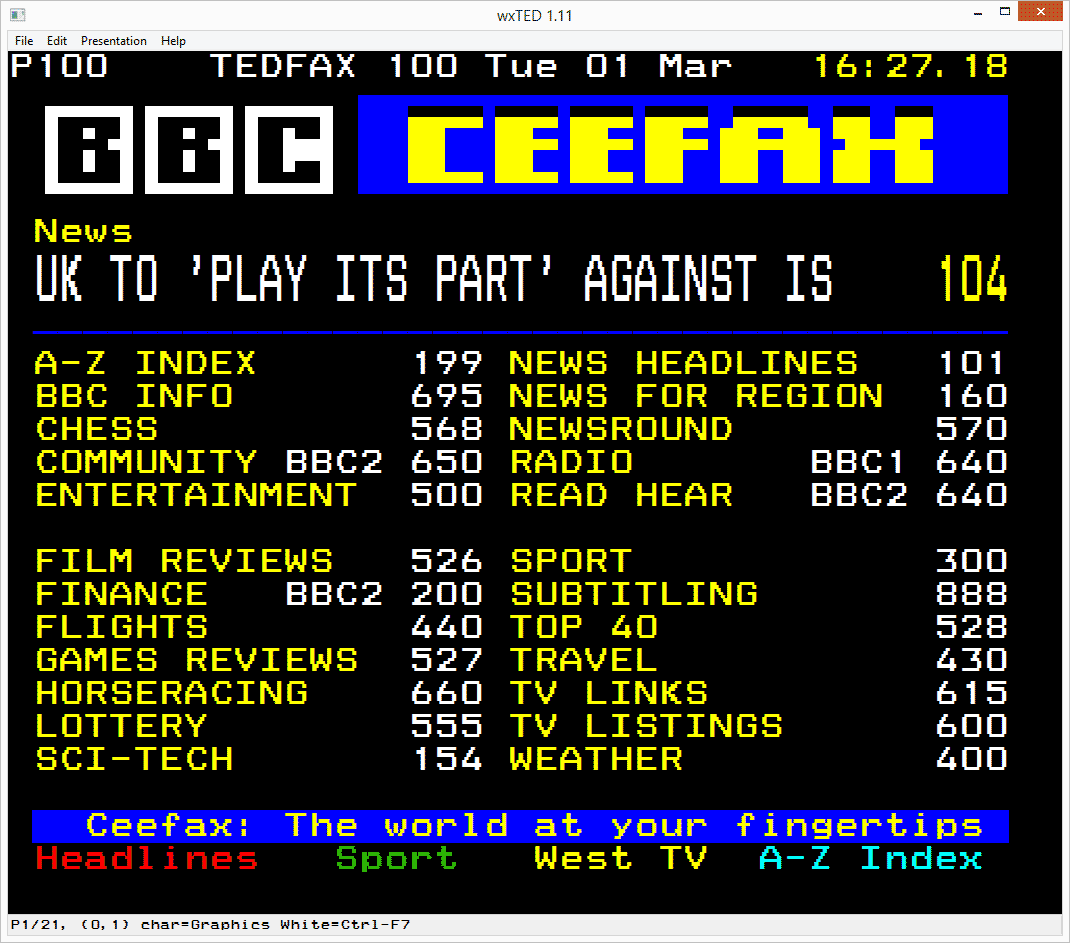
Created by Peter Kwan, wxTED is (currently) a Windows-only teletext editor. It is highly recommended for organising pages and carousels for Alistair Buxton & Peter Kwan’s Raspberry Pi software.
See more about this editor at the Teletext Wiki
🎨 Image to Teletext by Robdev
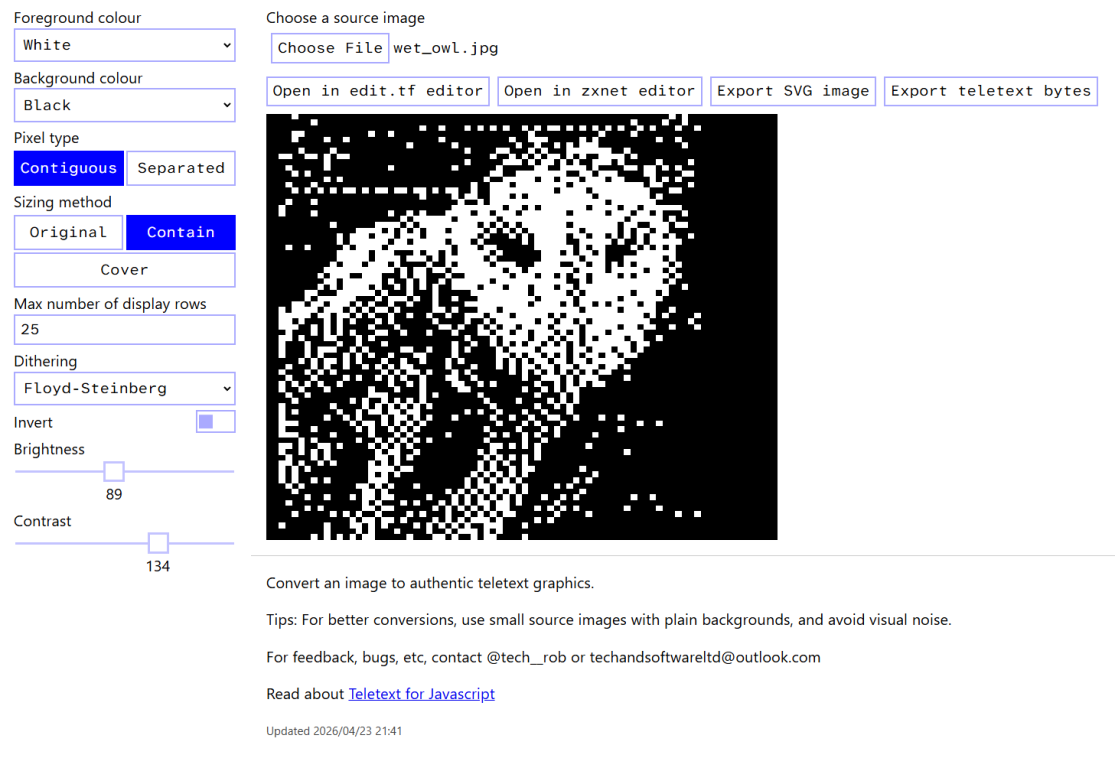
Image to Teletext (not to be confused with Kieran’s Image2Teletext) converts images to a monochrome teletext page, which you can export to zxnet and edit-tf. Adjust the dithering, brightness and contrast to find the optimal output for your source image.
🎨 Image2Teletext by KieranHJ
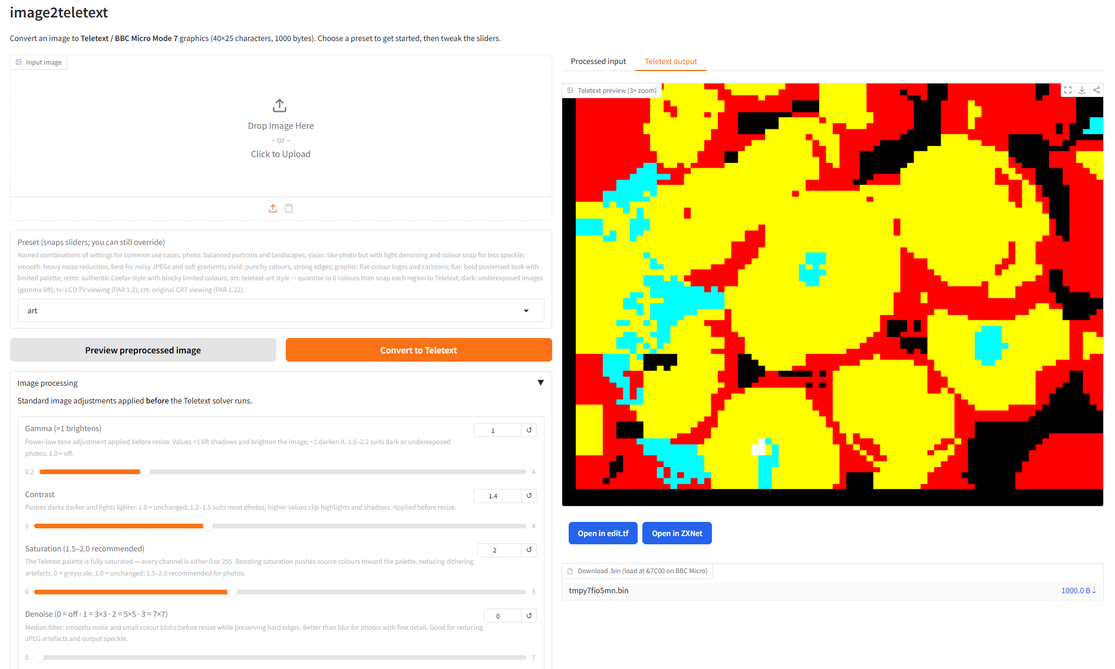
Image2Teletext converts any image to a full-colour teletext page you can export to zxnet or edit-tf.
The program applies complex changes of control codes to be as faithful as possible to the source image, creating a particular digitised aesthetic.
Experiment with the presets to see what better suits your source image, or tinker with the sliders for fine tuning.
🌐 Decimu Labs Teletext Console
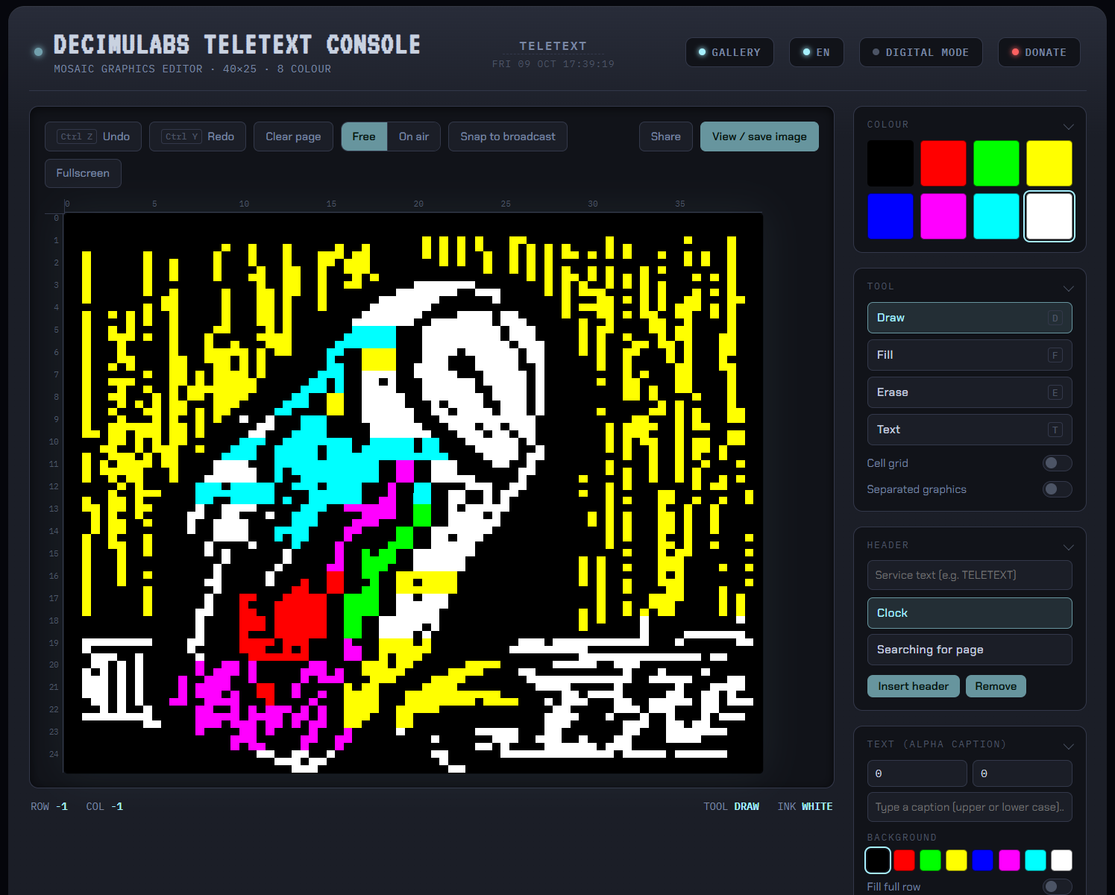
The Decimu Labs Teletext Console was made by Marcelo Cataldo to create teletext-style images for a music video.
Although it may not be as comprehensive as some teletext editors at the moment, it is possibly the best for absolute beginners as it automatically inserts control codes when in the “on air mode” coupled with ‘snap to broadcast’. This allows you to draw with a mouse, much as you would in a regular paint program, and let the console set the codes.
Choose your preferred language with the button at the top right of the page. Options include in-browser saving of art and page export via tti.
Further reading
- New to teletext art? Get help with editing here.
- To learn more about teletext, visit the knowledge base.